Early accessFor Windows 10/11
Your Instagram, as files on your PC.
Save the accounts you can see: posts, Reels, reposts, tagged posts, stories, highlights and captions. Ordinary files you keep, and a library you can search.
The Windows download opens on 9 November 2026. Free for 50 files a day. Pro is $39 once, no subscription.




- Posts and Reels
- Reposts and tagged
- Stories and highlights
- Your saved posts
- Captions as text files
- Only new posts
Try the app, right here.
A small working copy of the FeedSaver 1.0 screens, with made-up accounts. Pick what to save, watch the wall fill, see it stop politely when Instagram asks for a pause, then search your library.


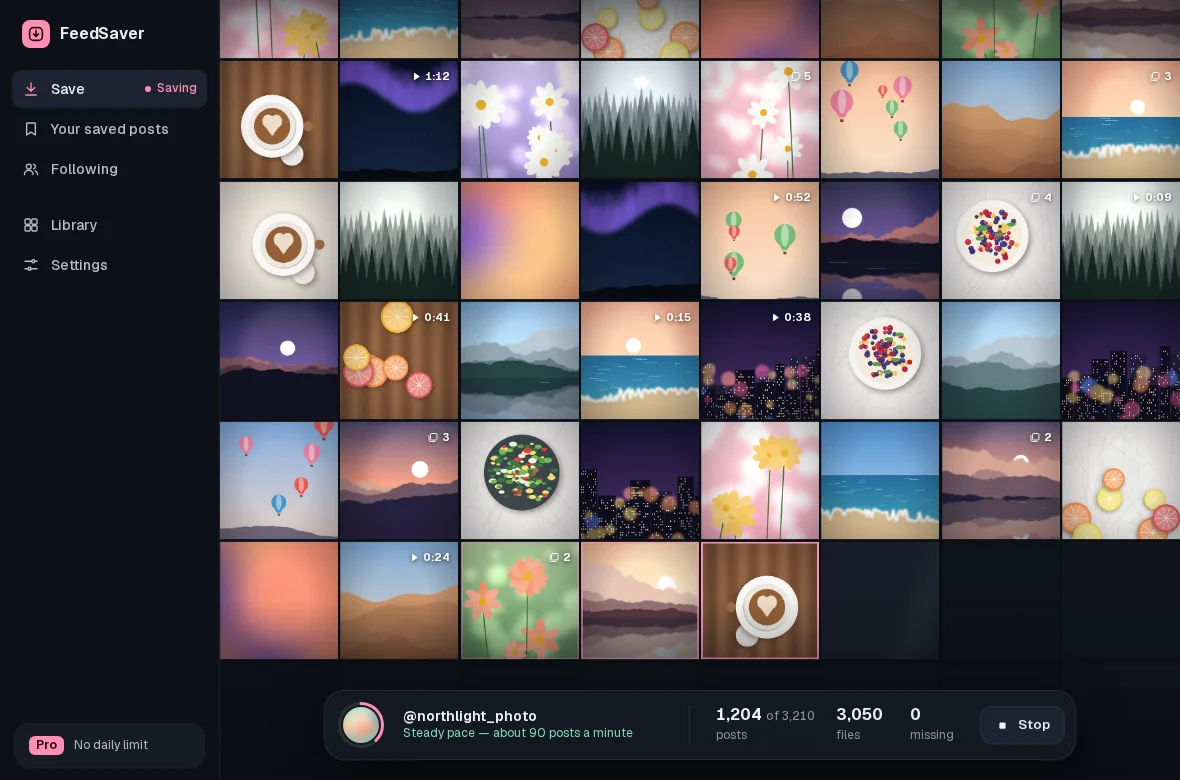
The app, screen by screen.
Screens from FeedSaver 1.0, with made-up accounts.
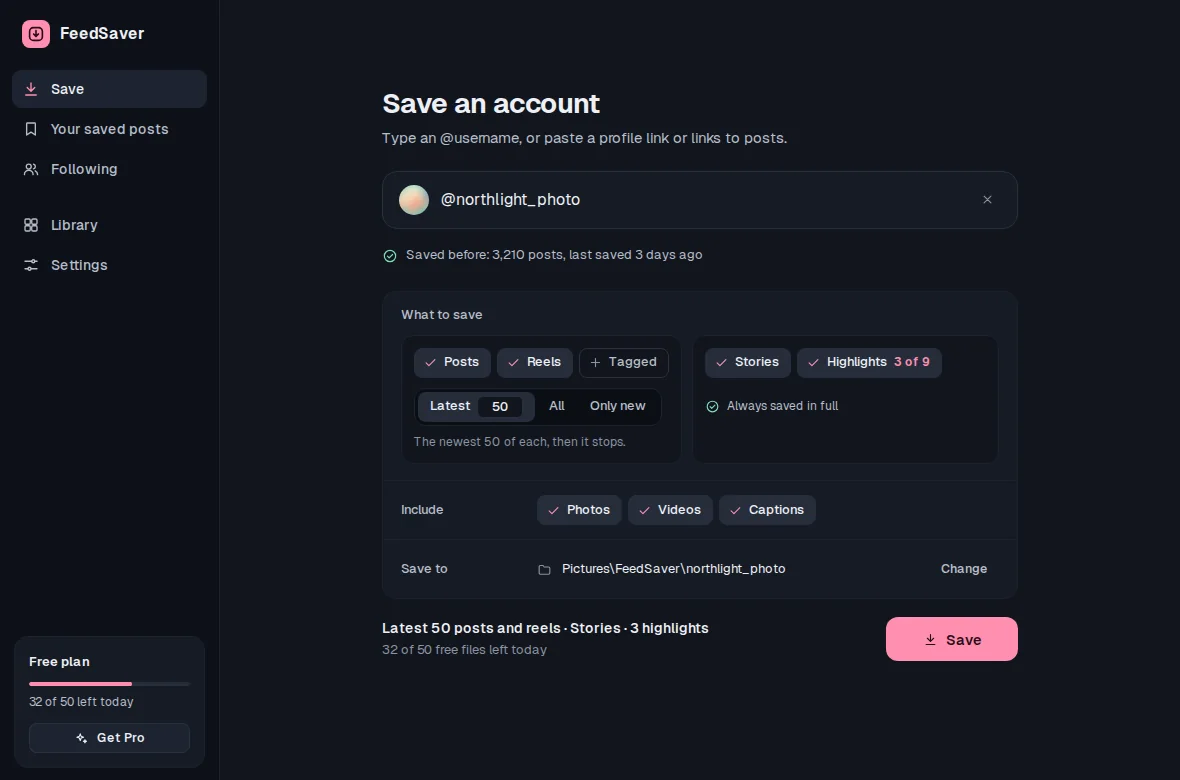
What you can save.
Everything works from your own Instagram login, so it covers what your account can see.
Whole profiles
Posts, Reels, Reposts and Tagged: the latest few, everything, or only what's new since last time.
Stories and highlights
Stories that are up right now, and the highlights you pick. Highlights are saved in full.
Your saved posts
The posts in your own Instagram Saved, in one folder, with the original owner's name in each file name.
Links and captions
Paste one post or Reel link, or a whole list. Captions come as plain text files beside each post.
A library you can search
Browse by account, filter to Photos or Videos, and search by account, file name or caption. It stays free.
Update the accounts you follow Pro
Goes through your Instagram following list one account at a time and saves what's new. Untick accounts you don't want; it remembers.
- Runs on your PC
- We never see your Instagram login
- Library and search stay free
- Pay once, no subscription
- Limited 7-day refund: if it won't run or can't save anything
Calm, and honest about Instagram.
Instagram decides how much anyone can download. FeedSaver works with that, not against it.
It paces itself
It saves at a steady pace rather than as fast as it can, because Instagram can limit accounts that download a lot. It can't promise you won't be limited.
It stops when Instagram says pause
FeedSaver never pushes past Instagram's stop and never carries on by itself. It keeps everything saved so far and waits until you press Try again.
Only what you can see
It works through your own login, so it sees what you see: public accounts, and private ones you follow. No deleted posts, messages or drafts. We recommend using a second Instagram account rather than your main one.
What Instagram's own download doesn't do.
Instagram lets you download a copy of your own data for free, and it's worth doing. FeedSaver is for the rest.
| FeedSaver | Instagram's data downloadInstagram's download | |
|---|---|---|
| Your own photos and videos | Yes | Yes |
| Accounts you follow | YesPublic, or private ones you follow | NoYour account only |
| Captions and dates | YesA text file beside each post | YesIn data files |
| A photo library you can search | Yes | NoHTML or JSON files |
| Only new posts next time | Yes | NoPick a date range yourself; it doesn't compare with files you already have |
| Your messages, comments and story archive | No | Yes |
| Price | FreePro $39 once | Free |
Leaving Instagram? Do both. Our guide shows how to save all your Instagram photos before you delete your account.
Start free. 50 files a day.
Pro is $39 once for 2 PCs. No subscription, nothing to cancel.